Creating a UFO Sightings Map: A Step-by-Step Guide
Have you ever gazed skyward and pondered our solitude in the universe? Indeed, reports of UFO sightings span across America, and with ZeeMaps’ latest feature, you now have the power to depict these enigmatic occurrences with unprecedented clarity. The days of being constrained to three-character map pin labels are behind us. Let’s embark on a journey to craft a detailed UFO sightings map featuring extended pin labels.
Step 1: Assemble Your UFO Sightings Data
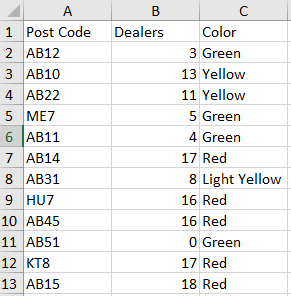
Your adventure starts with gathering data. Collect incidents of UFO sightings, carefully recording their locations and specifics. For instance, notable examples include:
- Texas Lights: July 2021 brought bright, unexplained lights to Dallas.
- Nevada Desert Encounter: A low-flying, silver object made its presence known near Area 51 in August 2019.
- Seattle Sphere: May 2019 witnessed a shimmering sphere in Seattle.
Ensure that each sighting bears a unique identifier to act as its map label.
Step 2: Create Your Map
Commence by creating a new map on ZeeMaps, importing your catalog of UFO sightings. Verify that one of your data fields encapsulates the complete descriptions or identifiers for labeling.

Step 3: Apply the Labels
Once you’ve uploaded your data, proceed to label your pins:
Begin by navigating to Map -> Settings.

Subsequently, select the Markers Display tab.
Then, use the dropdown menu in the “Label markers using field” section to select the data field with your UFO sighting identifiers.

Finally, hit Save Changes.

Step 4: Customize Your Map Display
With your pins now labeled, furthermore, you might consider enhancing their display:
- In the
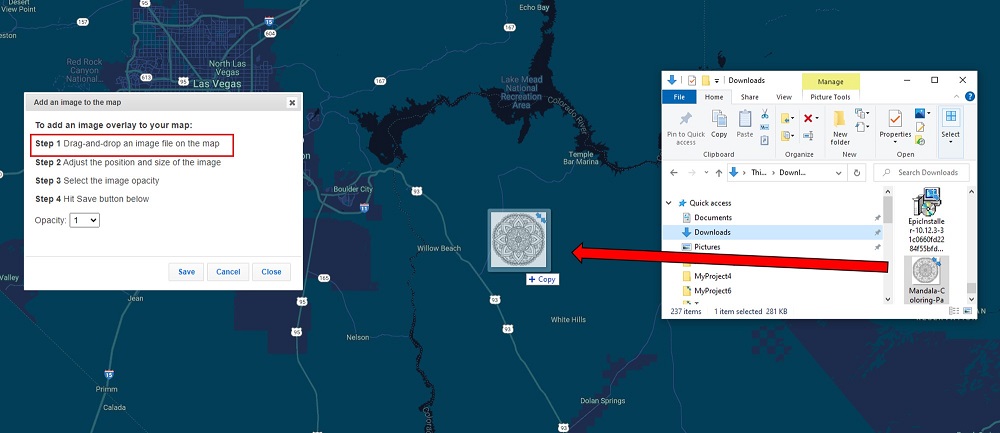
Marker Icons settings, opt for larger pins to make your extended labels clearly visible. - Optionally, Choose File to upload an image file to replace markers for an added visual touch to your map.

Step 5: Explore and Share Your UFO Sightings Map
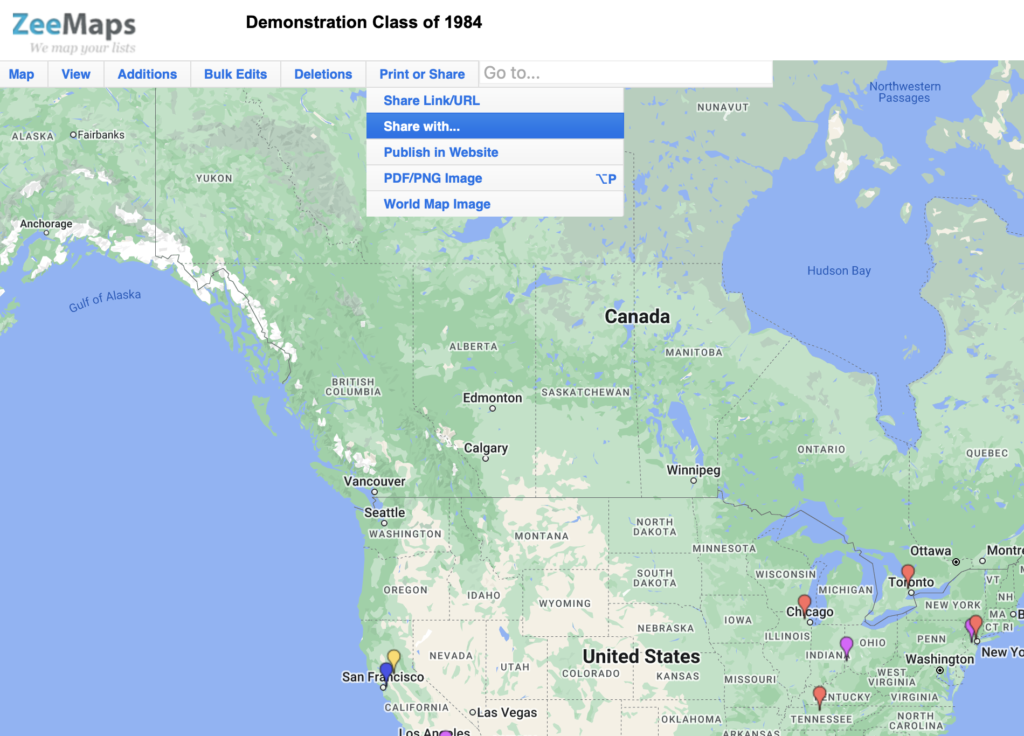
At last, your map is now ready for exploration. Hence, we can delve into the patterns of sightings across the nation. Moreover, circulate your map among fellow UFO enthusiasts and contribute to our collective quest for understanding.
Conclusion: Embracing the Unknown
After all, your UFO sightings map is more than a collection of pins; it’s a tool for the curious, the believers, and the skeptics. Consequently, ZeeMaps’ new feature turns your quest for the truth to now vividly pinned to the canvas of America’s landscape, each label a testament to the enduring mystery of the skies.
Finally, remember, the truth is out there, and now it’s mapped out, too.
Use Our Spreadsheets to Create Your Own Map
Download our UFO Sightigs spreadsheets below to create your own map. It’s easy!
1: Create your map
2: Share on social
3: Tag ZeeMaps! #ZeeMaps #WeMapYourLists